Hematoxylin and Eosin (H&E) images
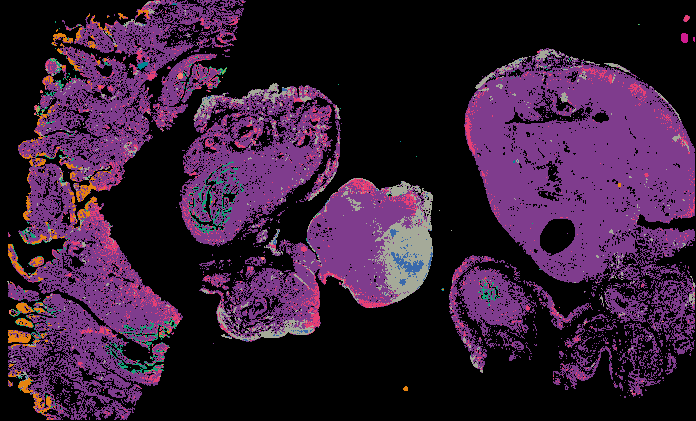
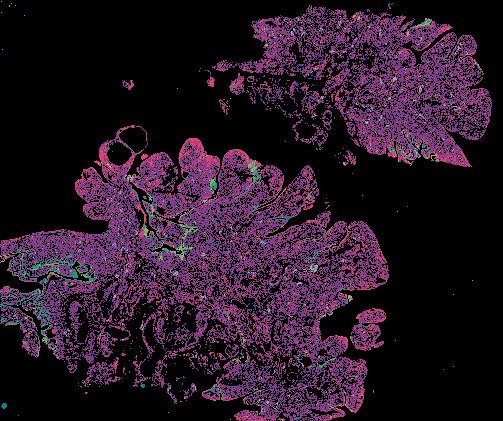
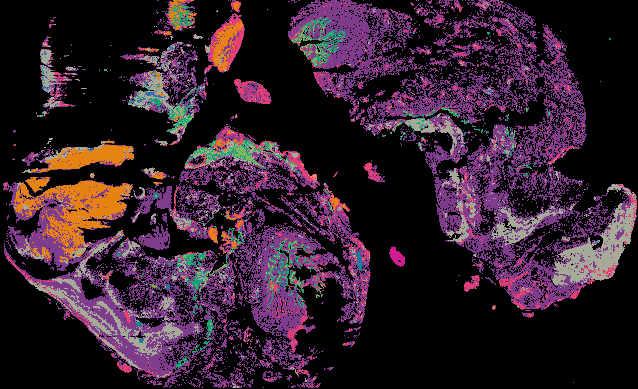
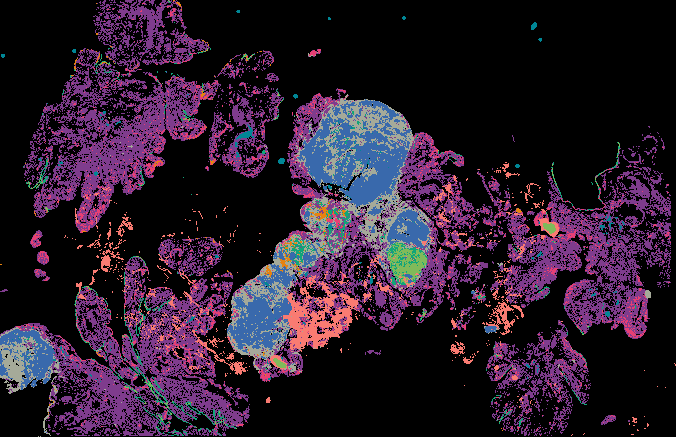
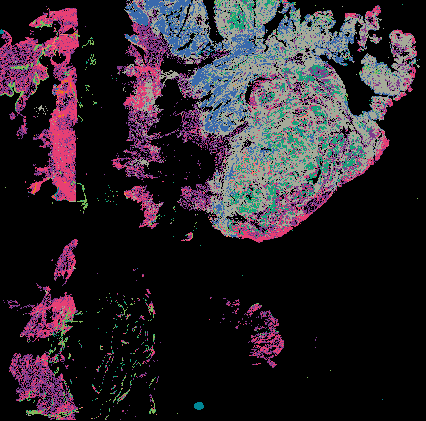
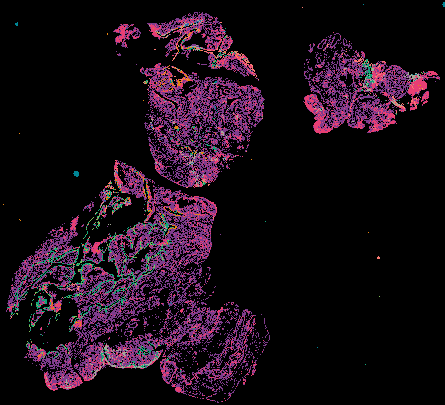
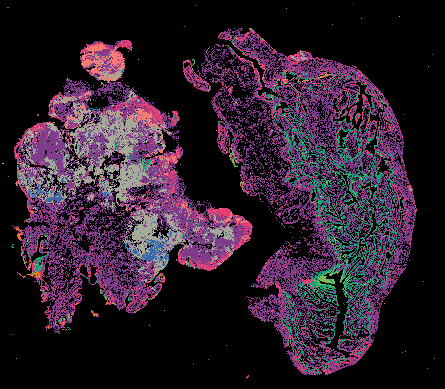
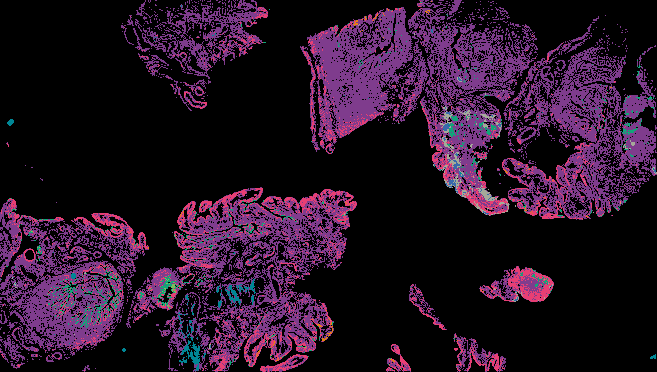
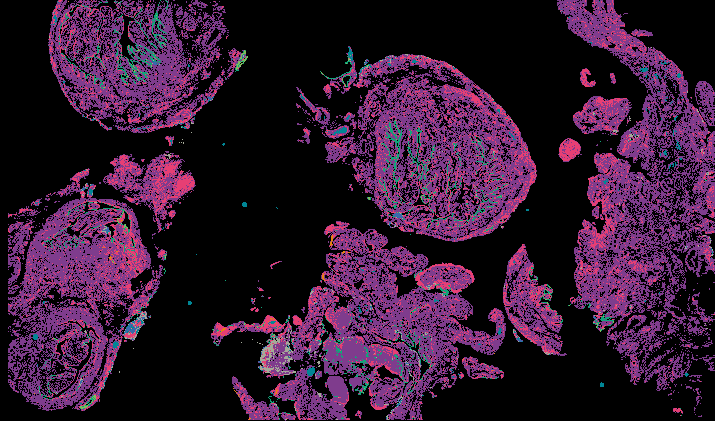
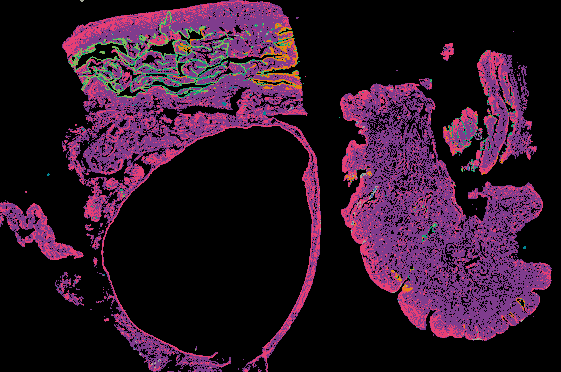
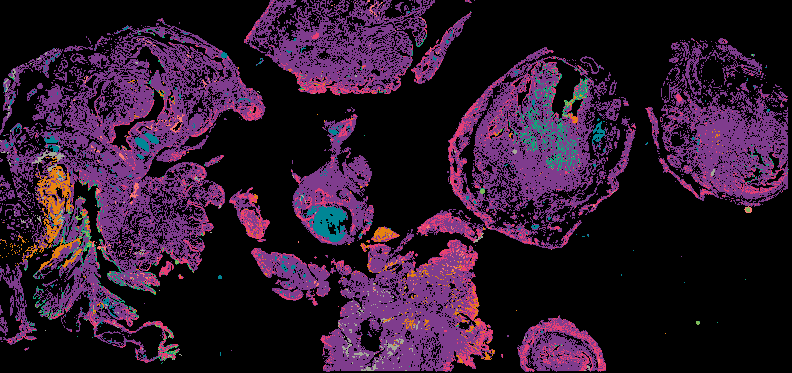
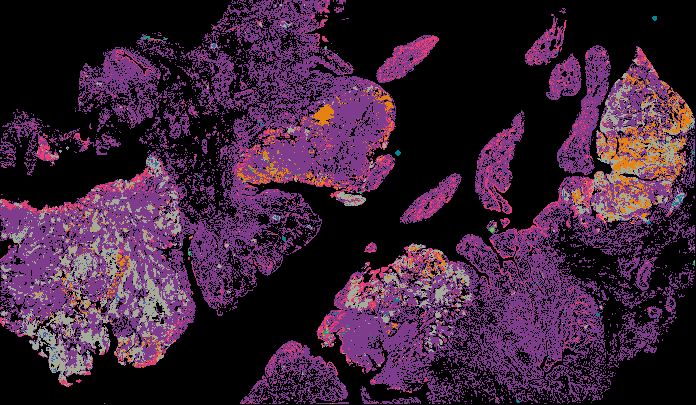
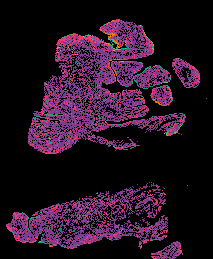
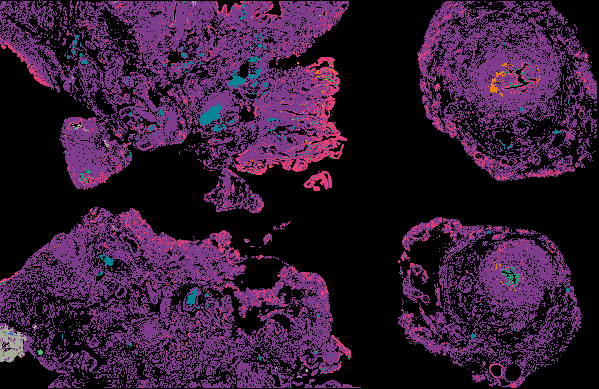
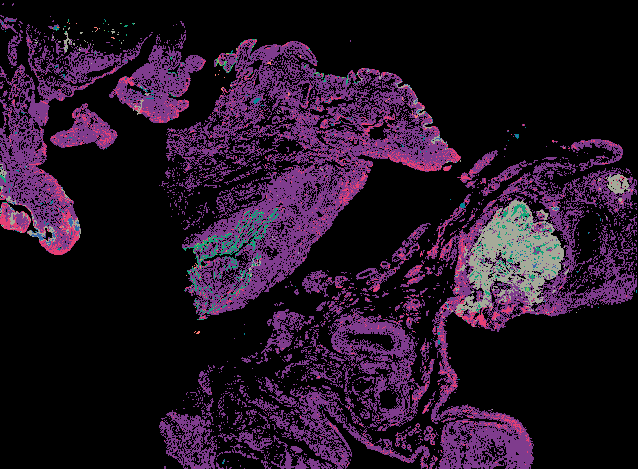
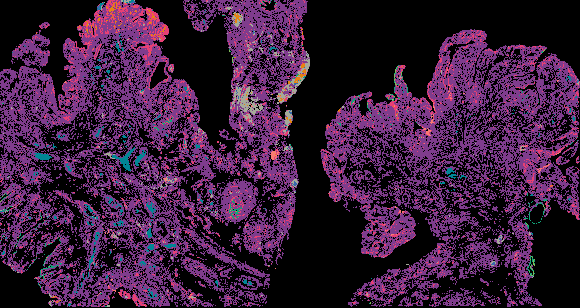
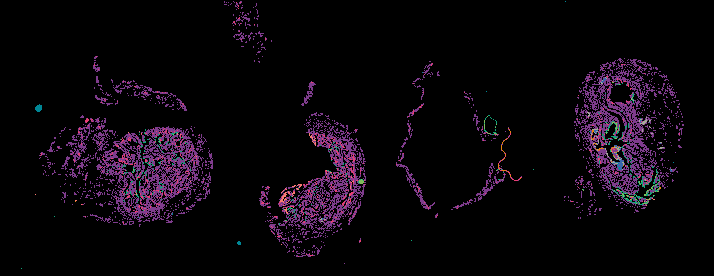
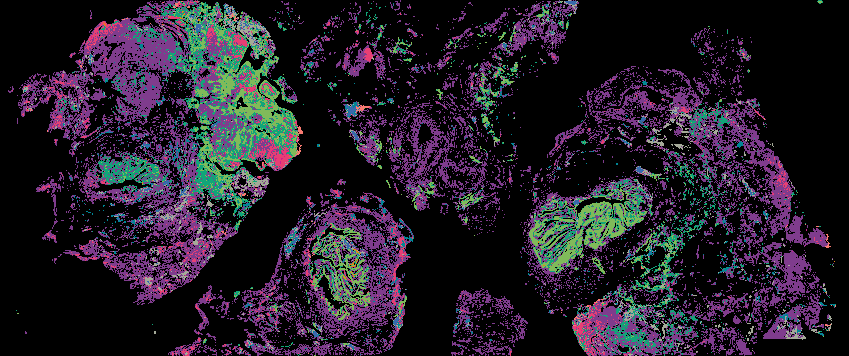
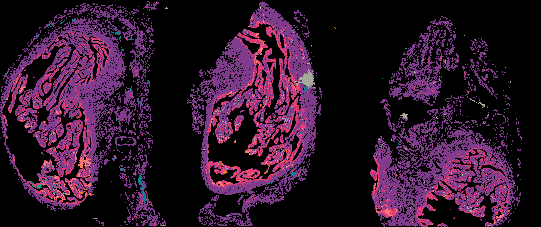
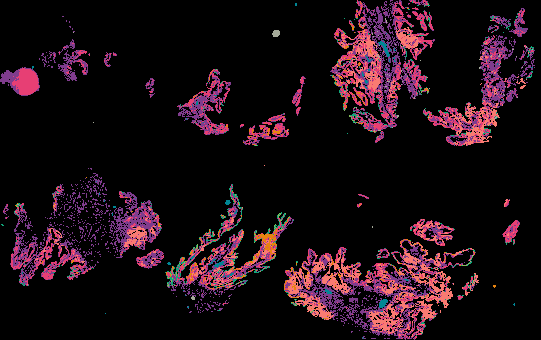
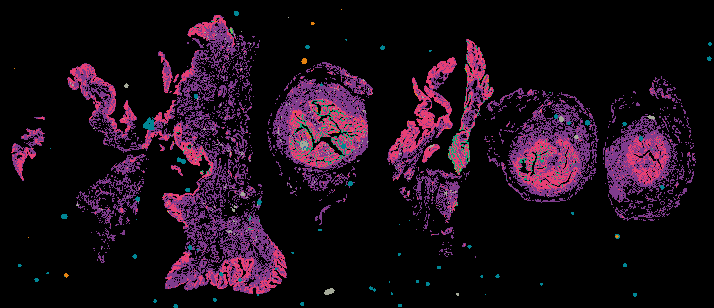
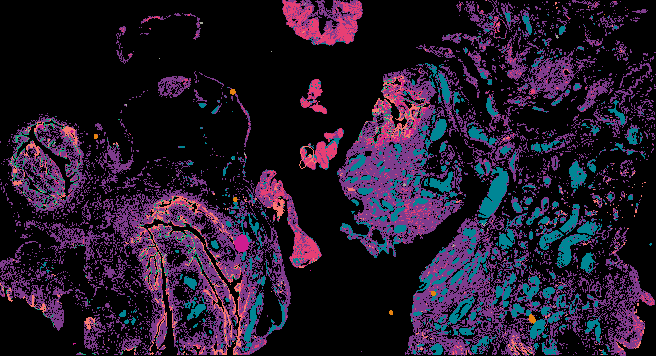
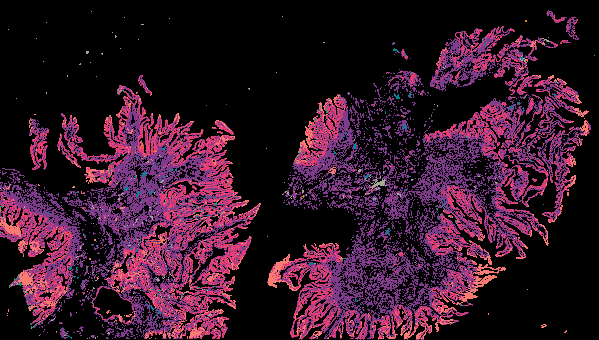
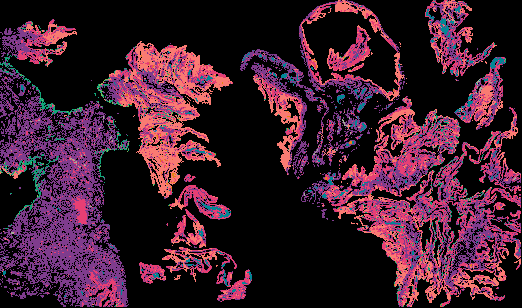
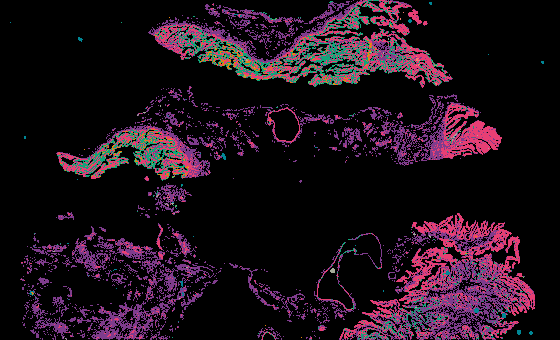
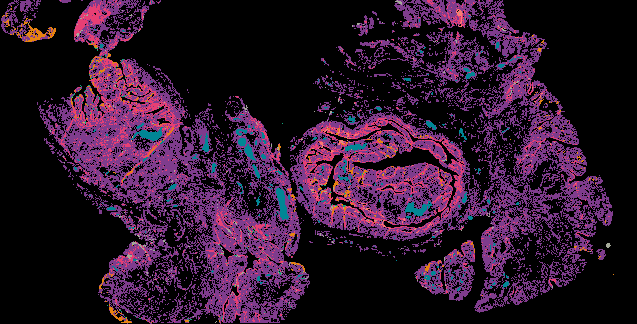
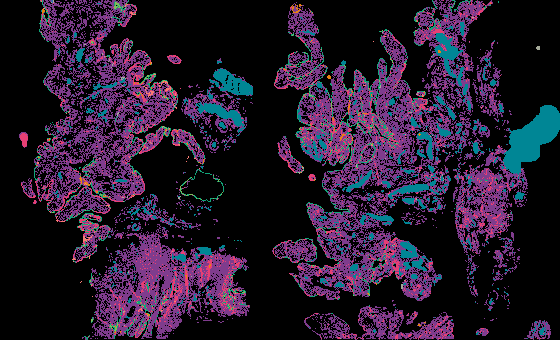
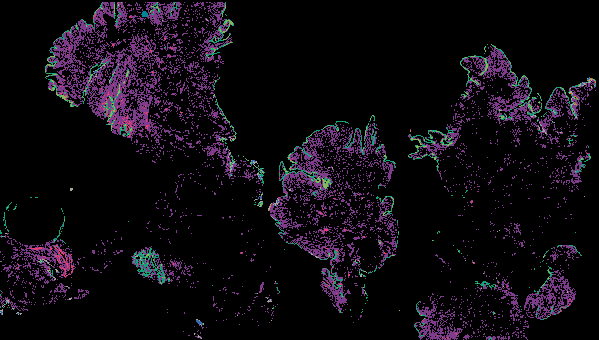
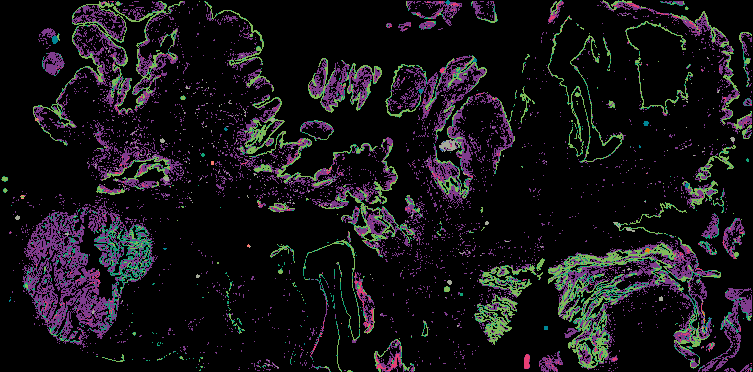
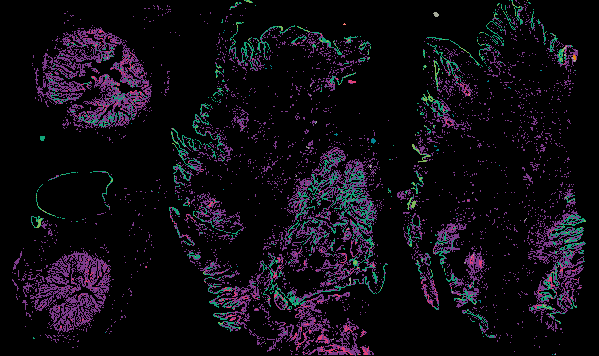
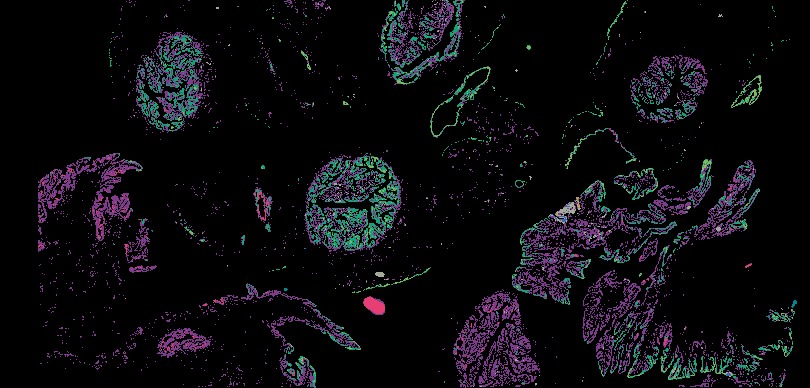
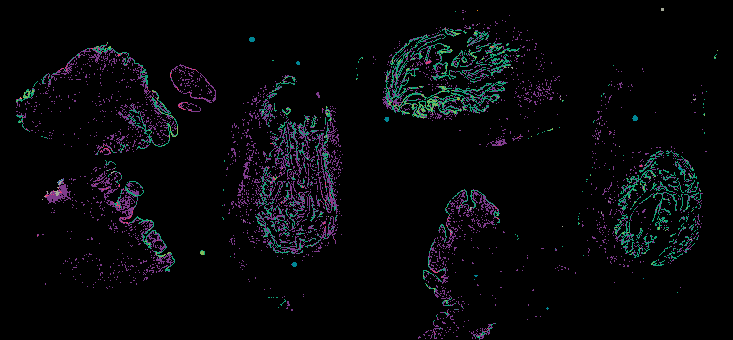
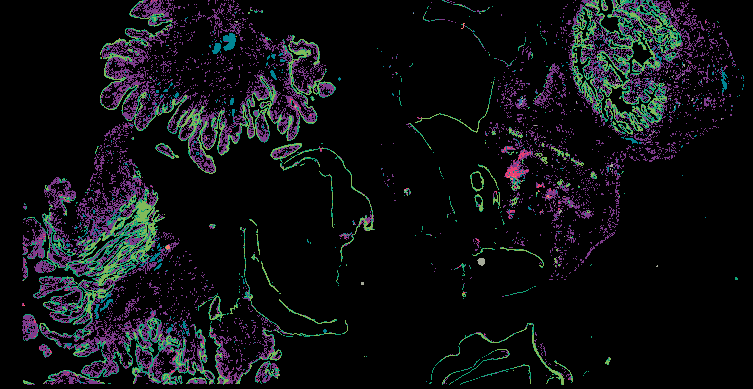
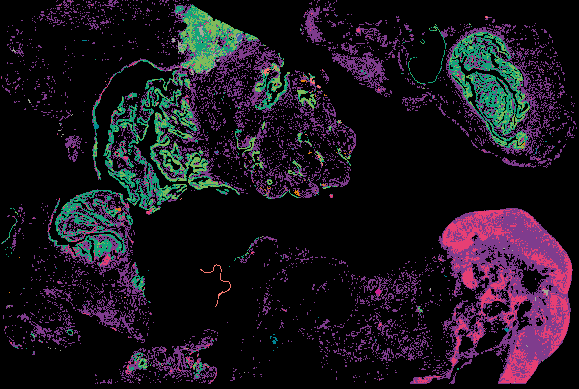
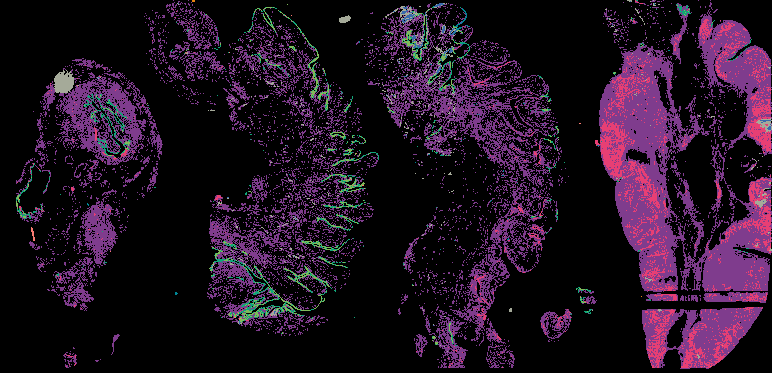
H&E is a staining system used in histology to provides a detailed view of tissue architecture to identify the organization of cells and markers of disease or drug efficacy. Hematoxylin visualizes nuclear detail with a blue/purple nuclear hue, and eosin visualizes cytoplasm, organelles, and extra-cellular components in pink/red.
About the Data Data Levels Explore Data Online
About the Data
Method and Protocol
Information forthcoming
Data Visualization
Full-resolution images can be viewed in a web browser using Minerva:
- via the gallery below
- in cBioPortal (forthcoming)
Learn more about the Minerva software at minerva.im.
Data Access
All image data will be accessible from Amazon Web Services (AWS):
- Level 1: OME-TIFF or QPTIFF
For a description of the files see the table below.
About the Samples
The following are planned to image with H&E:
- 100-200 breast samples
Instruments
H&E data was collected on RareCyte CyteFinder and CyteFinder II microscopes.
About the Data Generators
This data was generated by the Nathanson Lab at the University of Pennsylvania and by Laboratory of Systems Pharmacology at Harvard Medical School.
Data Levels:
H&E images use OME-TIFF and other BioFormats file formats.
| Data Type | Description | File Format | Average size (per sample) | Data Location |
|---|---|---|---|---|
| Raw images (Level 1) | H&E-stained images | OME-TIFF, QPTIFF | 3 GB | AWS |
Explore Data
Viewing image data online using Minerva
Minerva is a suite of software tools for visualizing, annotating, and sharing high-plex tissue images in a web browser with an accompanying narration. Minerva makes it possible to interact with large, whole-slide images without downloading any data or installing any software. In Minerva, viewers can annotate and share regions of interest, pan and zoom to explore different levels of detail, and view different subsets of markers. To view H&E images, select ‘H&E (nearby)’ from the right-hand Channel Groups menu.
Curated Minerva Stories
Curated stories provide access to images that have undergone a quality control step to remove failed markers, ensure appropriate channel intensity settings, and provide metadata about the underlying sample and image. Click the Minerva story icon for an interactive view of the full-resolution images.